How to Fix GB WhatsApp Ban and Login Issues (2026 Complete Guide)
GB WhatsApp ban and login issues are among the most common problems faced by users of this modified messaging app. You may encounter messages such as “This account can no longer use WhatsApp,” “Temporarily banned,” “Unable to log in,” or “Verification failed.” These issues can prevent you from accessing your chats and contacting friends or family.
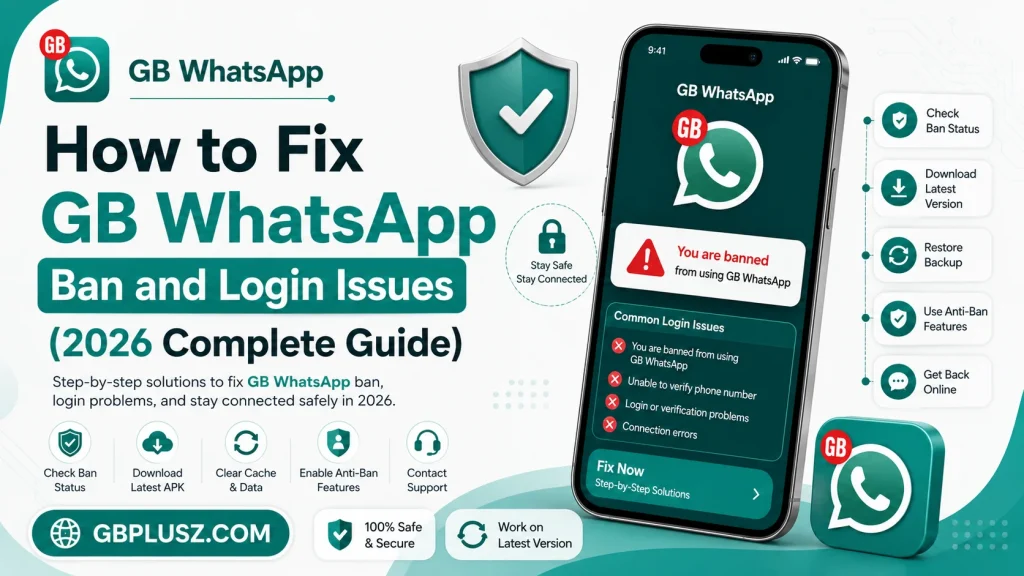
In this guide, you’ll learn the common reasons behind GB WhatsApp bans and login problems, along with practical steps that may help you restore access to your account. Since GB WhatsApp is an unofficial modified version of WhatsApp, there is no guaranteed way to avoid or reverse account restrictions.
What Causes GB WhatsApp Ban and Login Issues?
Several factors can lead to account restrictions or login problems while using GB WhatsApp.
Common reasons include:
- Using an unofficial modified version of WhatsApp
- Outdated GB WhatsApp version
- Verification problems
- Unstable internet connection
- Corrupted app data
- Device software issues
- Repeated verification attempts
- Security checks by WhatsApp
Understanding the cause is the first step toward resolving the issue.
Types of GB WhatsApp Ban Messages
Users may see different warning messages depending on the situation.
Some common messages include:
- Temporarily Banned
- This Account Can No Longer Use WhatsApp
- Verification Failed
- Login Unsuccessful
- Unable to Verify Phone Number
- Something Went Wrong
Each message may require a different approach.
Fix 1: Update to the Latest Version
Using an outdated version of GB WhatsApp can sometimes lead to compatibility issues and login errors.
To reduce these problems:
- Install the latest available version of GB WhatsApp.
- Remove older versions if they are no longer supported.
- Restart your device after updating.
Keeping the app updated may improve stability and compatibility.
Fix 2: Check Your Internet Connection
A weak or unstable internet connection can interrupt verification and login.
Try these steps:
- Switch between Wi-Fi and mobile data.
- Restart your router if using Wi-Fi.
- Enable and disable Airplane Mode.
- Test another network if available.
A stable connection is essential during account verification.
Fix 3: Verify Your Phone Number Correctly
Login problems often occur because of incorrect phone number verification.
Before requesting a verification code:
- Select the correct country.
- Enter your full phone number.
- Double-check for typing mistakes.
- Wait for the verification code to arrive.
If you don’t receive the code immediately, avoid requesting it repeatedly, as this may trigger temporary delays.
Fix 4: Clear App Cache
Corrupted cache files can sometimes prevent GB WhatsApp from opening or functioning properly.
To clear the cache:
- Open Settings on your Android device.
- Go to Apps.
- Select GB WhatsApp.
- Tap Storage.
- Choose Clear Cache.
Clearing the cache removes temporary files without deleting your chats.
Fix 5: Restart Your Device
A simple restart can resolve temporary software glitches that affect app performance.
Restarting your phone refreshes background services and may fix login problems.
Fix 6: Restore Your Chat Backup
If you reinstall GB WhatsApp, you may be able to restore your previous conversations if you created a backup earlier.
To restore:
- Reinstall GB WhatsApp.
- Verify your phone number.
- Choose the available backup when prompted.
- Wait for the restore process to finish.
Regular backups help protect your important conversations.
Fix 7: Check Date and Time Settings
Incorrect date and time settings can interfere with secure connections.
For the best results:
- Enable Automatic Date & Time.
- Enable Automatic Time Zone.
- Restart your device after changing the settings.
Fix 8: Free Up Device Storage
Low storage space can prevent apps from working properly.
Try to keep enough free space by:
- Deleting unnecessary files.
- Removing unused applications.
- Clearing temporary downloads.
- Moving photos and videos to cloud storage or another device.
Fix 9: Update Android
An outdated Android version can sometimes create compatibility issues.
Keeping your device updated improves:
- Security
- Stability
- Performance
- App compatibility
Fix 10: Wait for a Temporary Restriction to End
If your account displays a temporary ban message, the restriction may expire automatically after the countdown shown in the app.
Repeated attempts to bypass a temporary restriction may result in longer restrictions or a permanent ban.
Tips to Reduce the Risk of Account Restrictions
Because GB WhatsApp is not an official application, there is no guaranteed way to prevent account restrictions. However, you can reduce the likelihood of problems by:
- Using the latest available version.
- Avoiding frequent switching between multiple WhatsApp versions.
- Backing up your chats regularly.
- Keeping your device updated.
- Avoiding suspicious third-party tools.
Common Login Problems
Verification Code Not Received
Possible reasons include:
- Weak network connection
- Incorrect phone number
- Temporary carrier delays
Wait a few minutes before requesting another code.
App Keeps Crashing
Possible solutions:
- Restart your phone.
- Clear the app cache.
- Update the application.
- Free up storage space.
Unable to Verify Number
Check that:
- Your SIM card is active.
- Your number can receive SMS or calls.
- You entered the correct country code.
Login Loading Forever
This issue may be caused by:
- Poor internet connection
- Server communication delays
- Corrupted temporary files
Restart the app and check your connection before trying again.
GB WhatsApp Ban vs Login Issue
| Problem | Possible Cause | General Solution |
|---|---|---|
| Temporary Ban | Use of an unofficial app | Wait for the restriction to expire and review the app you’re using |
| Permanent Ban | Repeated policy violations or continued use of unsupported clients | You may need to return to the official WhatsApp app |
| Verification Failed | Incorrect number or network issue | Verify your phone number and internet connection |
| Login Error | App or device issue | Update the app, restart the device, and clear the cache |
| App Crash | Corrupted files | Clear cache or reinstall the app if necessary |
Is GB WhatsApp Safe?
GB WhatsApp is a third-party modified application and is not developed or supported by WhatsApp or Meta. Using unofficial apps can carry privacy, security, and account-related risks. Before installing or continuing to use GB WhatsApp, consider these risks and keep regular backups of your important conversations.
Frequently Asked Questions
Why was my GB WhatsApp account banned?
Account restrictions can occur because GB WhatsApp is an unofficial modified version of WhatsApp, and using unsupported clients may violate WhatsApp’s Terms of Service.
Can a temporary GB WhatsApp ban be removed?
Temporary restrictions often end automatically after the countdown displayed in the app. There is no guaranteed method to remove them early.
Why can’t I log in to GB WhatsApp?
Login issues may be related to network problems, verification errors, outdated app versions, or temporary account restrictions.
Will reinstalling GB WhatsApp fix login problems?
Reinstalling may resolve some technical issues, but it will not necessarily remove account restrictions. Always make sure you have a backup before reinstalling.
Can I recover my chats after reinstalling?
Yes, if you created a backup before reinstalling, you may be able to restore your conversations during setup.
Final Thoughts
GB WhatsApp ban and login issues can be frustrating, but many technical problems—such as cache errors, outdated app versions, network issues, or incorrect verification details—can often be resolved with basic troubleshooting. However, it’s important to remember that GB WhatsApp is an unofficial app, and using it may result in temporary or permanent account restrictions under WhatsApp’s policies. Keeping your device updated, maintaining regular backups, and understanding the risks of modified apps can help you make informed decisions about your messaging experience.